
Agent Cash In & Withdrawals
Manage cash-in and withdrawal transactions for users as a registered Ognimohub agent.
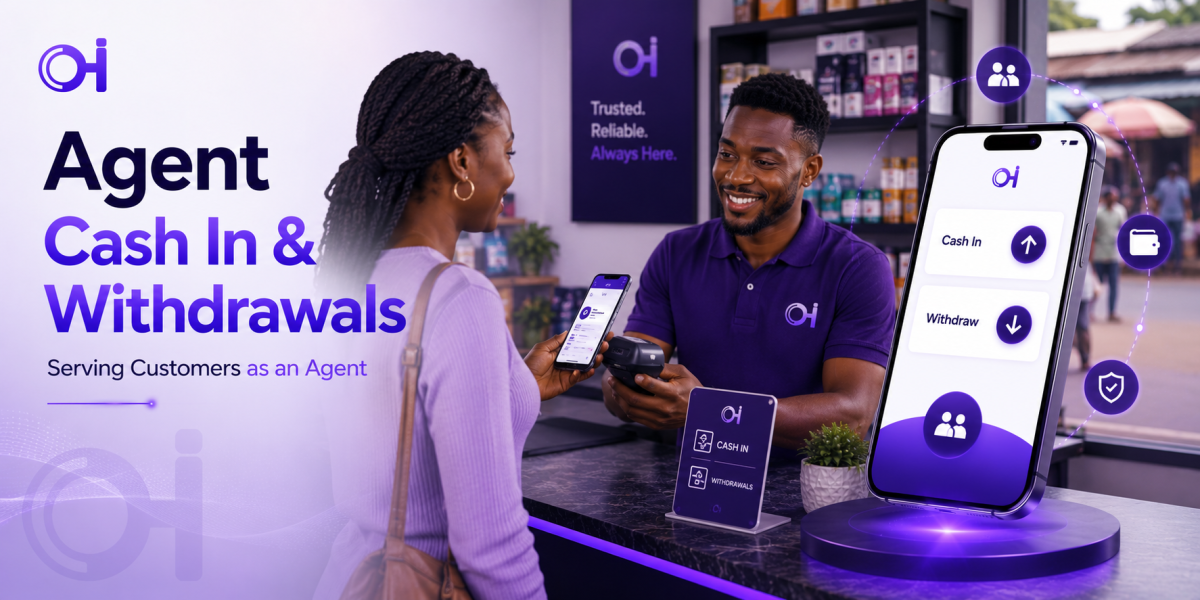
Serving Customers as an Agent
Handle cash-in and withdrawal for your community, backed by full tracking and statement access.
Become an AgentAgents are the human face of Ognimohub in communities where a phone screen isn't always enough — the trusted person customers hand cash to, or collect it from, in person. As a registered Ognimohub agent, you handle cash-in and withdrawal transactions for users in your community, backed by full transaction tracking and statement access.
That trust runs both ways: customers trust you to process their transaction correctly, and the network depends on agents following the same verification steps every time, without exception. This guide covers how agent transactions work, what protects you and your customers by default, and the pressure tactics that put both at risk.
How Agent Transactions Work
A customer requests a cash-in or withdrawal, and you enter the transaction details on your own device — never relying solely on a verbal amount. The customer confirms on their end, and you process it through the official app. Every transaction is logged automatically, timestamped, and reflected in your statement in real time.
Built-In Protections You're Already Using
The agent role comes with protections designed for exactly the pressure points agents face day to day:
- Two-factor authentication — already enabled to protect your account, and by extension, every customer you serve.
- Full transaction tracking — every cash-in and withdrawal is logged with a timestamp and reference, visible in your statement.
- On-device transaction confirmation — you and the customer both see and approve the exact amount independently, removing reliance on a verbal figure.
- No credential access required — the app never requires a customer's PIN, password, or OTP for you to complete a transaction.
Best Practices
- Always confirm the transaction amount with the customer on your own device before processing — never take a verbal amount alone.
- Never ask a customer for their PIN, password, or OTP to "help" process a transaction — you don't need it, and asking for it damages trust in the whole agent network.
- Keep your two-factor authentication enabled at all times; it's there to protect both you and your customers.
- Reconcile your statements regularly rather than waiting until the end of the month.
Red Flags to Watch For
- Customers pressuring you to skip verification steps "just this once."
- Anyone asking you to process a transaction outside the official app or app-linked device.
Need Help?
If a customer pressures you to bypass a verification step, or you notice a discrepancy while reconciling your statement, contact support with the relevant transaction reference. Holding the line on verification protects your standing in the agent network as much as it protects the customer in front of you.
Frequently Asked Questions
What if a customer insists I skip a verification step?
Don't. Verification steps exist for every transaction regardless of how much a customer insists otherwise — a legitimate customer will understand, and a pressured shortcut is exactly what puts both of you at risk.
Do I ever need a customer's PIN or OTP to process their transaction?
No. The app never requires it. If you find yourself being asked to request one to "help" a transaction go through, treat that as a sign something is wrong with the request itself.
How often should I reconcile my agent statement?
Regularly, rather than waiting until month-end. Frequent reconciliation makes it far easier to catch and report a discrepancy while the relevant transaction details are still fresh.
Trusted in your community, backed by the platform. Serving as an agent means every transaction you process is tracked, timestamped, and verifiable — following the same steps every time is what keeps that trust earned.
Ready to get started?
Log in to your account to use this service right away.