
Payment Acceptance
Accept payments from customers via wallet, bank transfer, and more.
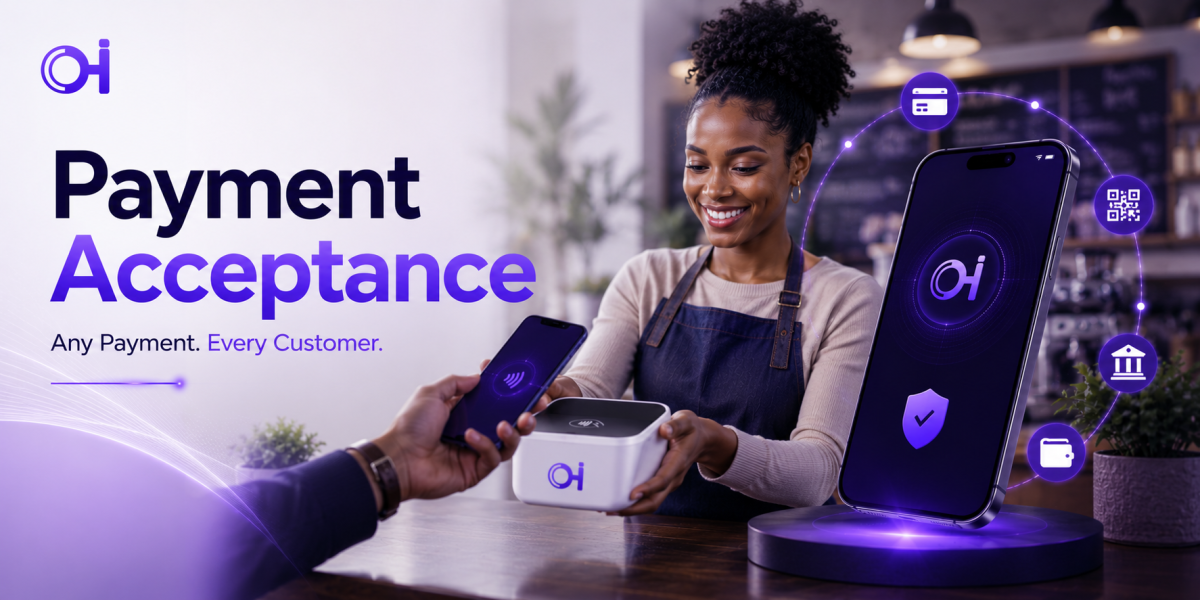
Accept Payments, Simplified
Receive customer payments from wallets, bank transfers, and more — all reconciled in one dashboard.
Start Accepting PaymentsRunning a business means juggling payment methods, and every extra channel is another place a transaction can get missed, delayed, or disputed. Payment Acceptance lets your business receive payments from customers through their Ognimohub wallets, bank transfers, and other supported methods, all tracked in one place.
For a merchant, the biggest risk usually isn't the payment itself — it's what happens between "the customer says they paid" and "you've actually confirmed it." That gap is exactly where refund scams and fake screenshots operate. This guide covers how accepting payments works, what's built to protect your business, and the two scam patterns merchants run into most.
How Payment Acceptance Works
Customers pay you through their Ognimohub wallet, a bank transfer, or another supported method, and every payment lands in your merchant dashboard with a timestamp and reference. You confirm settlement directly in the dashboard — the single source of truth for whether a payment actually went through — before releasing any goods or services.
Built-In Protections You're Already Using
Payment Acceptance is built to give you one reliable place to verify every transaction:
- Centralized merchant dashboard — every payment method funnels into one reconciled view, so you're never cross-checking multiple systems.
- Two-factor authentication — already available on your merchant account to protect against unauthorized access.
- Full transaction history — every payment is timestamped and referenced, ready to reconcile against your own sales records.
- Independent settlement confirmation — your dashboard reflects what actually happened, regardless of what a customer shows or tells you.
Best Practices
- Always confirm a payment has actually settled in your merchant dashboard before releasing goods or services — don't rely on a customer showing you a screenshot.
- Keep your merchant account secured with two-factor authentication (already available on your account) and a strong password.
- Reconcile your transaction history regularly against your own sales records.
Red Flags to Watch For
- Customers who "accidentally" overpay and ask for the difference to be refunded to a different account — a well-known refund scam. Verify any overpayment directly in your dashboard before refunding anything.
- Fake payment confirmation screenshots or emails — always verify directly in your own merchant dashboard, not through anything the customer sends you.
Need Help?
If you suspect a fraudulent overpayment or refund request, or your dashboard shows a discrepancy you can't account for, contact support with the transaction reference before issuing any refund. Verifying in your dashboard first, every time, is what keeps a refund request from turning into a loss.
Frequently Asked Questions
A customer sent me a payment screenshot — is that enough to release the order?
No. Always confirm settlement in your own merchant dashboard before releasing goods or services. Screenshots and emails can be faked; your dashboard reflects what actually happened.
What should I do if a customer says they overpaid and wants a refund?
Verify the overpayment directly in your dashboard first. If it checks out, refund only through the platform to the original payment source — never to a "different account" the customer specifies, which is the core mechanic of this particular scam.
How do I keep my merchant account secure?
Enable two-factor authentication, which is already available on your account, use a strong unique password, and reconcile your transaction history regularly so any unusual activity stands out quickly.
One dashboard, every payment, no guesswork. Payment Acceptance brings every channel your customers use into a single reconciled view — trust what your dashboard shows you, and the rest of your business runs on solid ground.
Ready to get started?
Log in to your account to use this service right away.