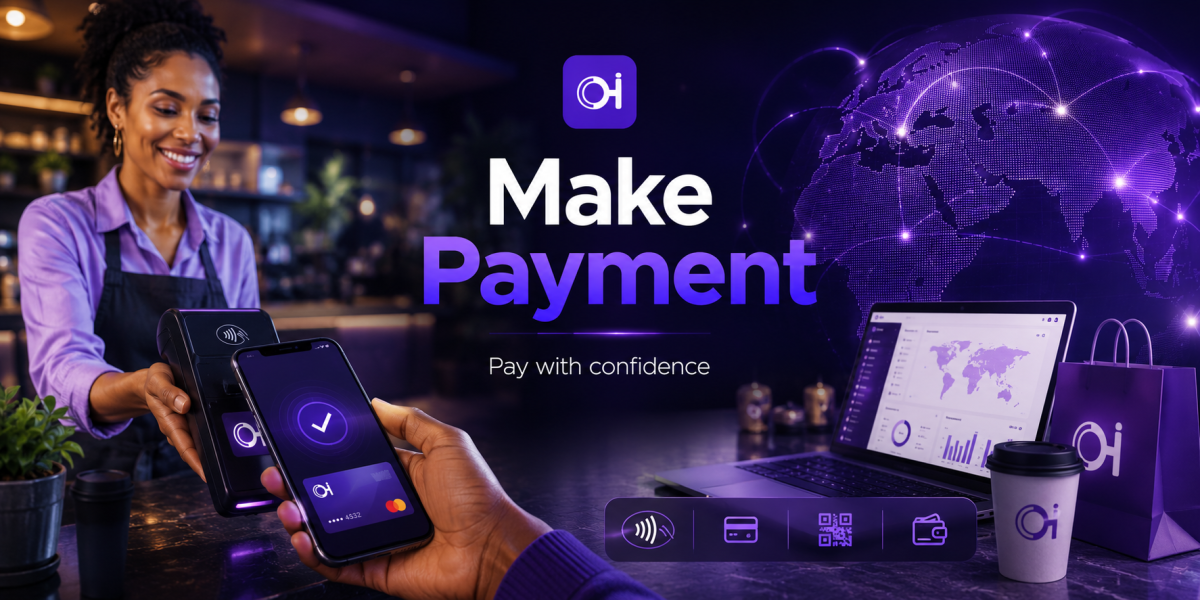
Make Payment
Pay for goods and services directly from your Ognimohub wallet.
Pay With Confidence
Pay merchants directly from your wallet — no card details shared, no guesswork at checkout.
Pay With ConfidenceEvery time you hand over a card number to a new business, you're trusting them to store it responsibly. Make Payment removes that trust requirement entirely — you pay merchants and service providers directly from your wallet, fast, and without sharing your card details with every business you buy from.
Because payments happen at the point of sale, in person or online, they move quickly by design. That speed is a feature, not a flaw — but it also means the confirmation screen in front of you is often your last checkpoint before money moves. This guide covers how payments work, what protects you automatically, and the specific patterns that signal a payment isn't what it seems.
How Make Payment Works
Scan a merchant's official Ognimohub QR code, or tap a payment link they've shared, and the merchant's name and the amount populate automatically on your confirmation screen. Review both, then authorize with your PIN or biometric login. Funds move directly from your wallet to the merchant's account, and you receive an instant digital receipt.
Built-In Protections You're Already Using
Make Payment is designed so your card and banking details never touch the merchant at all:
- No shared card details — merchants receive payment confirmation only, never your card or account numbers.
- Verified merchant QR codes and links — official payment codes are tied to a registered Ognimohub merchant account.
- On-screen confirmation — the exact amount and merchant name display before you approve, so you're never authorizing a blind figure.
- Instant digital receipts — every payment is timestamped and referenced automatically, ready if you ever need to raise a dispute.
Best Practices
- Only pay merchants you recognize, or ones displaying an official Ognimohub payment QR code or link.
- Check the amount and merchant name shown on the confirmation screen before approving — this is your last chance to catch an error.
- Keep your payment confirmation/receipt for any purchase you might need to dispute later.
Red Flags to Watch For
- Sellers who only accept payment via direct wallet transfer instead of an official merchant payment link, especially for online marketplace purchases.
- Pressure to pay before you've seen the product or agreed on full terms.
- Payment requests for amounts that don't match what was agreed.
Need Help?
If a payment goes to the wrong merchant, doesn't match what you agreed to, or a seller disappears after payment, contact support with your receipt and reference number as soon as you notice. The receipt from your confirmation screen is exactly what support needs to start looking into it.
Frequently Asked Questions
How can I tell if a QR code or payment link is official?
Official Ognimohub payment codes populate the merchant's registered name automatically on your confirmation screen. If the merchant name looks unfamiliar, misspelled, or doesn't match the business you're paying, don't approve — check with the seller directly first.
Can I get a refund if I pay the wrong amount?
Contact support with your payment receipt as soon as you notice the error. Refunds depend on the merchant's own policy, but your receipt and reference number are what makes a resolution possible.
Is it safe to pay a marketplace seller by direct wallet transfer?
Prefer an official merchant payment link or QR code whenever one is available. A seller who insists on a direct transfer instead of the standard payment flow, especially for an online purchase, is a common red flag worth pausing on.
Checkout without the second-guessing. Make Payment keeps your card details out of every transaction and puts the final amount right in front of you before it moves — the confirmation screen is a safeguard built for exactly the moment you're most likely to be rushed.
Ready to get started?
Log in to your account to use this service right away.