
Bank Transfer
Move funds directly from your wallet to any bank account.
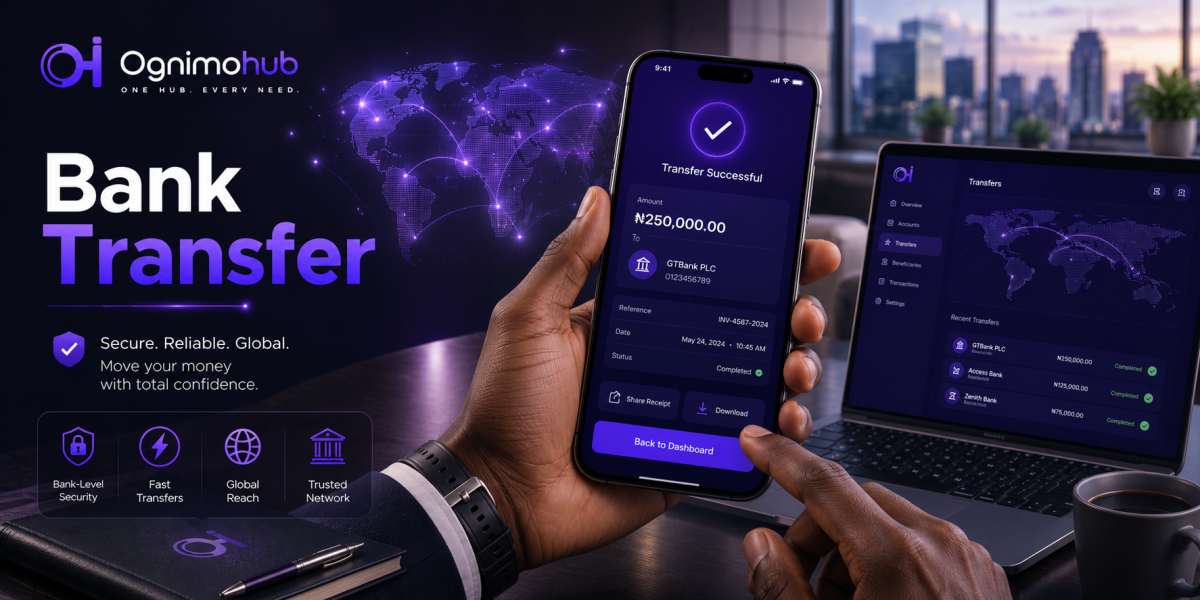
Bank Transfers, Done Right
Send funds from your wallet to any bank account — verified, referenced, and ready for larger transfers.
Bank Transfers, Done RightSome payments need to land in a real bank account — rent, a supplier invoice, a larger sum a family member needs outside the Ognimohub ecosystem. Bank Transfer lets you send funds from your Ognimohub wallet straight to a bank account — your own, or someone else's — for larger transfers or when you need funds in a traditional account.
Because bank transfers often involve larger amounts and new or one-off recipients, they're also the target of one of the most costly scam patterns out there: invoice fraud, where trusted bank details get quietly swapped before a payment is made. A careful few minutes of verification here can be worth far more than a few minutes elsewhere.
How Bank Transfer Works
Enter the recipient's account number and select their bank; the account holder's name populates on screen for you to verify. Confirm the amount, then authorize with your PIN or biometric login. Funds leave your wallet immediately, and most transfers reach the recipient's bank within the standard interbank processing window.
Built-In Protections You're Already Using
Bank Transfer is built with extra checkpoints specifically because it's often used for larger, less routine payments:
- Account holder name verification — the registered name tied to the account number displays before you confirm, so you can catch a mismatched account immediately.
- PIN and biometric authorization — every transfer requires a second factor beyond entering the details.
- Full transaction reference — every transfer generates a reference you can use as proof of payment for rent, invoices, or business transactions.
- Encrypted transmission — your bank details and the recipient's are protected in transit and never shared with third parties.
Best Practices
- Verify the account number and account holder name carefully before confirming — a single wrong digit sends funds to the wrong person.
- For first-time transfers to a new account, consider sending a small test amount first if the platform allows it.
- Keep the transaction reference for any transfer related to a purchase, rent, or business payment, in case you need to prove it later.
Red Flags to Watch For
- Anyone providing bank details over a chat or call and pressuring you to transfer immediately without time to verify.
- Last-minute changes to previously agreed bank details (a common tactic in invoice fraud) — always confirm changes through a separate, trusted channel.
Need Help?
If you suspect a transfer went to the wrong account, or bank details were changed fraudulently before you sent funds, contact support immediately with your transaction reference. Bank transfers move through external banking networks, so the sooner it's reported, the more chance there is to intervene before funds are withdrawn.
Frequently Asked Questions
How long does a bank transfer take to arrive?
Most transfers reach the recipient's bank within the standard interbank processing window, though timing can vary by bank and network conditions.
What should I do if bank details change right before I'm about to pay?
Pause and confirm the change directly with the recipient through a separate, trusted channel — a phone call, not the same chat where the new details arrived. This single step defeats most invoice fraud attempts.
Can I reverse a bank transfer sent to the wrong account?
Once sent, a transfer generally can't be pulled back the way a wallet-to-wallet transfer sometimes can. Contact support with your reference number right away — the earlier it's reported, the more options remain.
Move larger sums with the same confidence as everything else. Bank Transfer gives you a verified name, a clear reference, and a confirmation screen built for exactly the payments that matter most — a careful look before you send is what keeps it that way.
Ready to get started?
Log in to your account to use this service right away.