
Education Fee
Pay school and college fees for yourself or your children, securely.
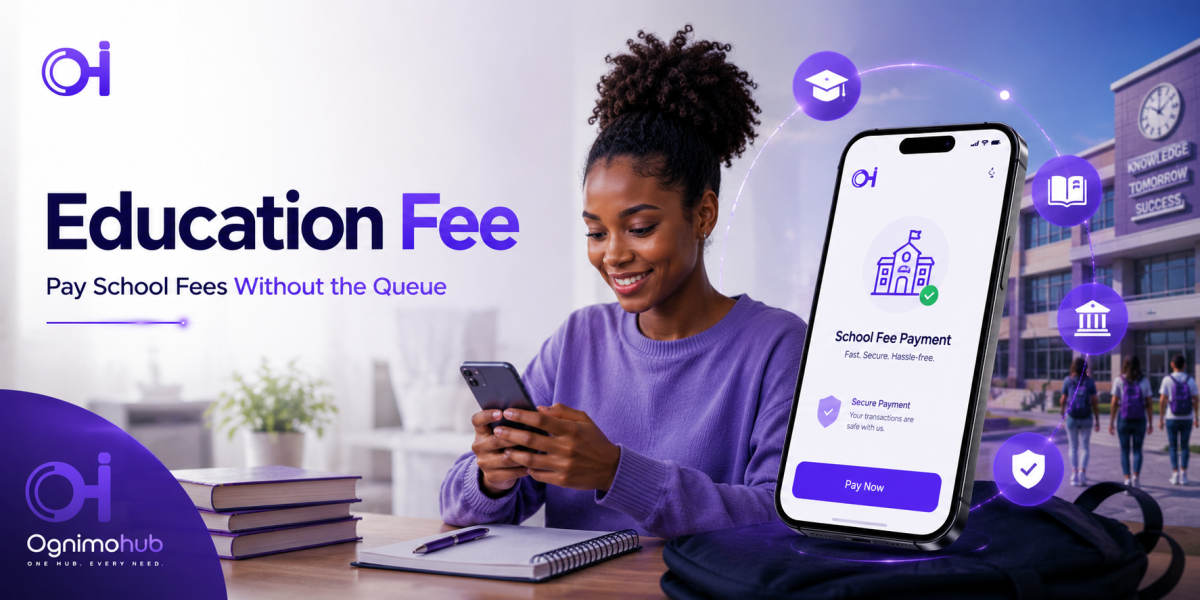
Pay School Fees Without the Queue
Pay tuition for yourself or your children directly through Ognimohub — no bursar's line, no lost afternoon.
Pay School FeesA morning spent standing in a bursar's queue is a morning not spent doing almost anything else. Education Fee payments let you pay tuition and related fees for yourself or your children directly through Ognimohub, avoiding long queues at the bursar's office entirely.
School fee payments carry a particular kind of pressure — deadlines tied to enrollment, exams, or a child's place in a class — and that pressure is exactly what fee scammers rely on. This guide covers how the payment flow works, what protects it, and the one scam pattern parents run into most often.
How Education Fee Payment Works
Select your institution from the officially listed payment channels in the app, enter the student's reference ID and the fee amount as confirmed by the institution, and authorize with your PIN or biometric login. You'll receive an instant receipt to keep until the payment reflects on the student's record.
Built-In Protections You're Already Using
Education Fee payments are built around one core idea: the money should go straight to the institution, with nothing in between.
- Officially listed institution channels — you're paying directly into your institution's registered payment channel, not a third party acting on their behalf.
- PIN and biometric authorization — required before any fee payment is submitted.
- Instant, saved receipts — a timestamped record for every payment, ready to present if the institution needs to reconcile it against the student's account.
- No agent markup or discount layer — because payment goes directly through the app, there's no legitimate reason for a third party to be involved at all.
Best Practices
- Confirm the exact fee amount and student/reference ID with the institution before paying.
- Keep your payment receipt until the institution confirms it against the student's record — mistakes happen on both sides.
- Pay only through your institution's officially listed payment channel within the app.
Red Flags to Watch For
- Unofficial "agents" offering to pay fees on your behalf for a discount — this is a common fee-scam pattern targeting parents.
Need Help?
If a fee payment doesn't reflect on the student's record, or you were approached by someone offering to pay fees on your behalf outside the app, contact support with your receipt and reference ID. The closer to the payment deadline this happens, the more urgent it is to report right away.
Frequently Asked Questions
What if my institution isn't listed in the app?
Only pay through your institution's officially listed channel in the app. If your institution isn't listed, confirm directly with their bursar's office on their approved payment methods rather than using an unofficial workaround.
What should I do if the payment doesn't show up on my child's record?
Keep your receipt and reference ID and contact support, along with your institution's bursar's office, especially if a deadline is approaching. Mistakes in reconciliation can happen on either side, and both records may be needed to resolve it.
Is it ever okay to let someone else pay my school fees for a discount?
No. There's no legitimate reason for a third-party "agent" to offer discounted fee payment — this is one of the most common scams targeting parents specifically, and it should be treated as a red flag every time.
Skip the queue, not the caution. Education Fee payments get money to your institution directly and quickly — sticking to the officially listed channel is the one habit that keeps a good system from becoming someone else's opportunity.
Ready to get started?
Log in to your account to use this service right away.