Utility Bill Payments
Pay electricity, water, gas, and other utility bills without leaving the app.
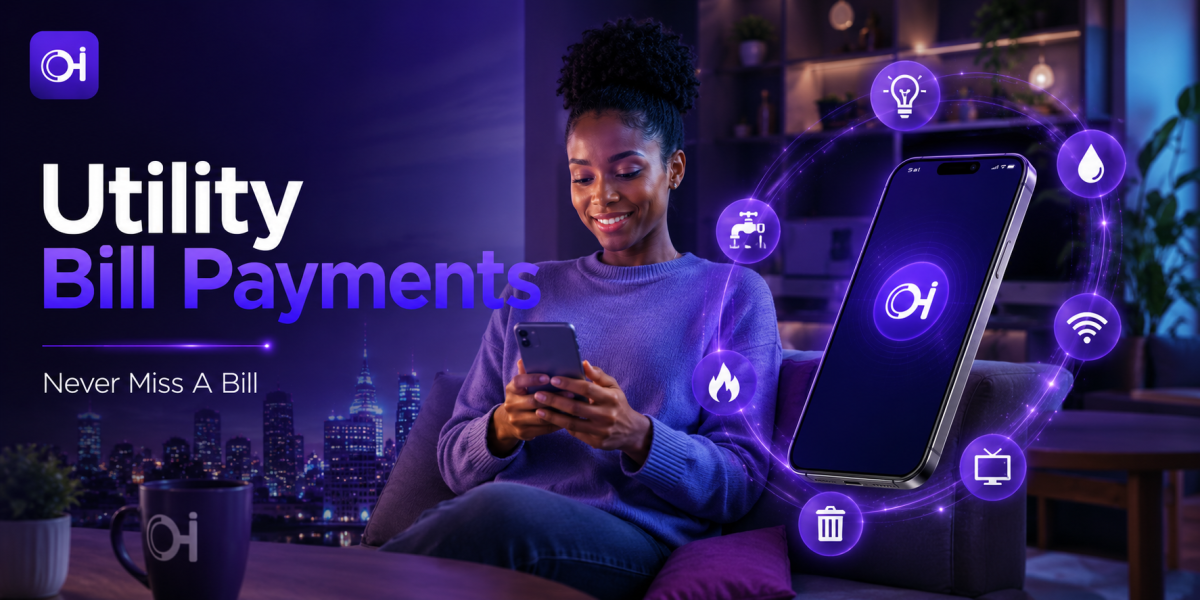
Never Miss a Bill
Pay electricity, water, gas, and internet bills straight from your wallet — fast enough to handle the moment a notification arrives.
Pay a Bill NowBills rarely arrive at a convenient time, and the consequences of missing one — a late fee, a disconnection notice, a scramble to find a working payment channel — are exactly the kind of stress this feature is built to remove. Pay your electricity, water, gas, internet, and other utility bills directly from your wallet — quick enough to do the moment a bill notification arrives.
Because utility payments are recurring and tied to accounts you don't control the naming or setup of, they carry a specific risk: a mistyped meter or account number doesn't bounce back the way a bank transfer sometimes does. A little care at entry goes a long way here.
How Pay Bills Works
Choose your provider from the supported list, enter your account or meter number, and the amount due if it isn't pulled in automatically. Confirm with your PIN or biometric login, and the payment is submitted directly to the provider. You'll get an instant confirmation you can save for your records.
Built-In Protections You're Already Using
Pay Bills carries the same core protections as every other Ognimohub transaction, tuned for recurring, provider-based payments:
- Supported provider list — you're paying directly into a recognized provider's system, not an intermediary or unofficial channel.
- PIN and biometric authorization — required before any bill payment is submitted.
- Instant digital confirmation — a saved, timestamped receipt for every payment, ready if a provider dispute ever comes up.
- In-app payment only — bill payments never require you to leave the app or follow an external link, which makes any link-based request an immediate red flag.
Best Practices
- Confirm your account/meter number is correct before paying — utility providers can be slow to reverse payments made to the wrong account.
- Keep payment confirmations for utility bills; you may need them for disputes with your provider.
- Set a reminder near your bill's due date rather than waiting until the last moment, so a payment issue doesn't turn into a missed deadline.
Red Flags to Watch For
- Messages claiming your utility will be cut off "in the next hour" unless you pay via an unfamiliar link — a common pressure scam. Pay only through the official app.
Need Help?
If a bill payment doesn't reflect with your provider, or you paid the wrong account/meter number, contact support with your payment confirmation as soon as you notice. Providers vary in how quickly they can correct a misapplied payment, so reporting it early gives you the best chance of a fix before the due date passes.
Frequently Asked Questions
What if I enter the wrong meter or account number?
Contact support with your payment confirmation right away. Because utility providers control their own accounts, reversing a misapplied payment can take longer than a wallet-to-wallet transfer, so early reporting matters.
Is it safe to pay through a link sent by my utility provider?
Bill payments on Ognimohub never require leaving the app. If you receive a link claiming to be from your utility provider asking you to pay urgently, treat it as suspicious and pay through the official app instead.
Can I set up a reminder so I don't miss a due date?
Setting a reminder a few days ahead of your due date, rather than waiting for the shutoff notice, gives you room to fix any payment issue before it becomes a missed deadline.
Stay ahead of every due date. Pay Bills turns a scramble into a two-minute task — as long as the meter number is right and the app is the only place the payment happens, there's nothing left to worry about.
Ready to get started?
Log in to your account to use this service right away.